Most often a software or driver conflict prevents typing in Chrome on Windows laptops.
I’ve spent years fixing Windows laptops and diagnosing browser issues. If you’re asking why is windows laptop not typing on chrome, this guide breaks down likely causes, clear fixes, and preventive steps. I’ll walk you through practical troubleshooting, explain why each step helps, and share real-world tips so you can get typing again fast.
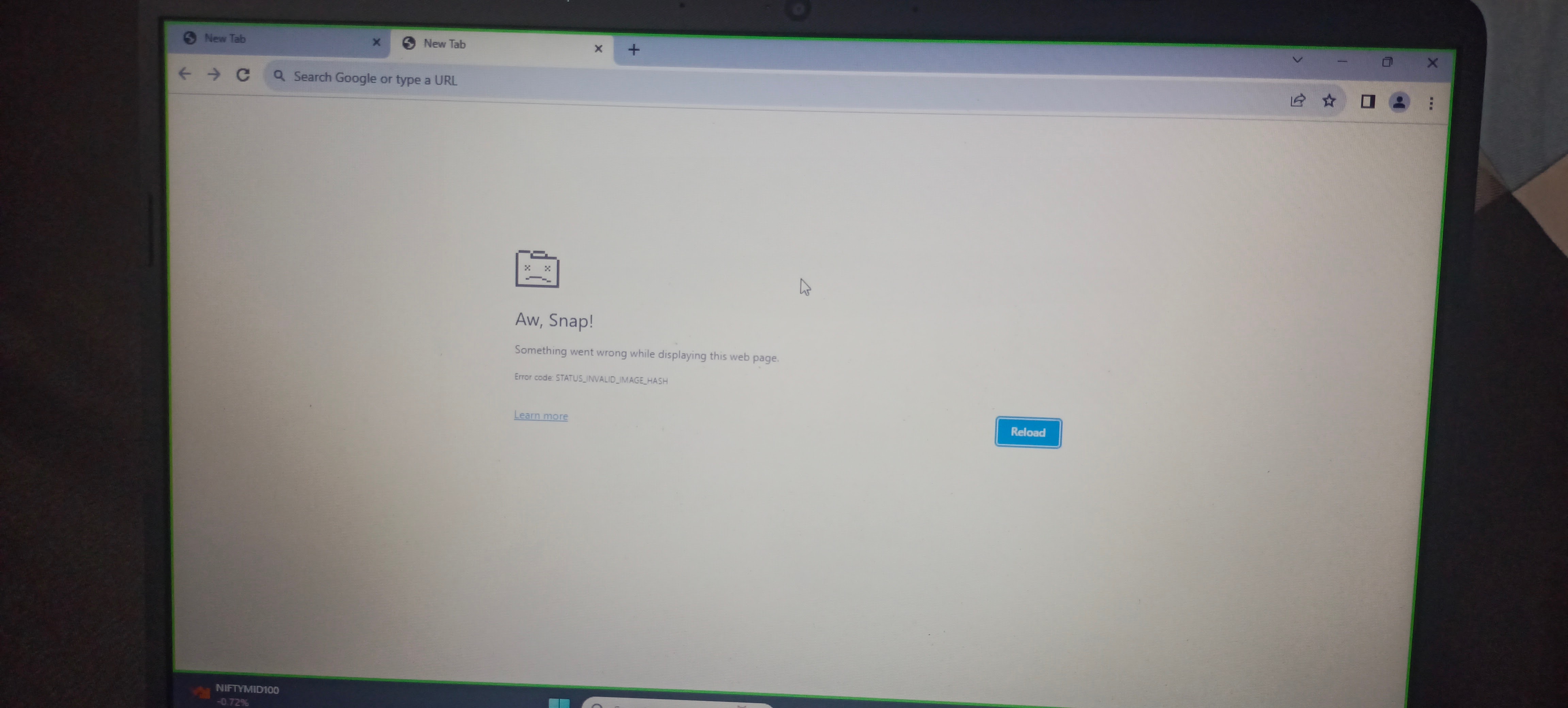
Common causes of why is windows laptop not typing on chrome
Several reasons can stop typing in Chrome on a Windows laptop. Software conflicts, extensions, keyboard drivers, and accessibility settings are common culprits. Understanding these causes helps you choose the right fix quickly.
Causes to consider:
- Background apps that block input, such as remote desktop tools or keyboard enhancers.
- Faulty or outdated keyboard drivers in Windows.
- Chrome extensions or flags that interfere with text input.
- Corrupted user profile or browser cache.
- Accessibility features like Sticky Keys or Filter Keys enabled accidentally.
- Hardware issues, like a loose keyboard ribbon or a malfunctioning external keyboard.
- Conflicts with antivirus or security software intercepting input.

Quick checks to try first
Start with these simple steps. They are fast and often fix the problem.
Step-by-step quick checks:
- Restart Chrome. Close all Chrome windows and reopen.
- Test typing in another program. Open Notepad to see if your keyboard works system-wide.
- Try an incognito window. Press Ctrl+Shift+N and check typing there.
- Disable extensions temporarily. Go to chrome://extensions and toggle them off.
- Restart the laptop. A reboot clears temporary glitches.
If typing works in Notepad but not Chrome, you’re closer to answering why is windows laptop not typing on chrome. If the keyboard fails everywhere, focus on Windows or hardware.

Detailed fixes: resolve software and browser issues
Follow these deeper fixes if quick checks didn’t help. Each step targets a common reason why is windows laptop not typing on chrome.
- Update Chrome
- Click the three dots > Help > About Google Chrome.
- Let Chrome update and restart the browser.
- Reset Chrome settings
- Go to Settings > Reset settings > Restore settings to their original defaults.
- Reset removes extensions and custom settings but keeps bookmarks.
- Clear cache and site data
- Settings > Privacy and security > Clear browsing data.
- Choose Cached images and files and Cookies.
- Check Chrome flags
- Visit chrome://flags and reset all to default if you previously changed flags.
- Create a fresh Chrome profile
- Exit Chrome. Rename the Default profile folder located at:
- C:\Users<YourUser>\AppData\Local\Google\Chrome\User Data\Default
- Restart Chrome to create a new default profile.
- Disable hardware acceleration
- Settings > Advanced > System > Turn off Use hardware acceleration when available.
- Restart Chrome.
Each of these steps addresses a piece of the typical puzzle when you ask why is windows laptop not typing on chrome. Try them in order for best results.
Windows-level troubleshooting (drivers, accessibility, and system)
If Chrome-specific fixes fail, check Windows settings. These steps are essential when the issue stems from the OS.
Actions to take:
-
Update keyboard drivers
- Device Manager > Keyboards > Right-click > Update driver.
- If problems persist, uninstall the device and restart to reinstall drivers.
-
Check Accessibility settings
- Settings > Ease of Access > Keyboard.
- Turn off Sticky Keys, Filter Keys, and Toggle Keys if enabled.
-
Run Windows Troubleshooter
- Settings > Update & Security > Troubleshoot > Keyboard.
-
Scan for malware
- Run a full scan with Windows Defender or your trusted antivirus. Some malware can block inputs.
-
Try an external keyboard
- Plug in a USB keyboard. If it works in Chrome, your laptop keyboard may be faulty.
These Windows-level checks often solve persistent cases of why is windows laptop not typing on chrome.
Conflicts: extensions, antivirus, and third-party apps
Sometimes other software intercepts or blocks keystrokes. Identifying conflicts avoids unnecessary OS changes.
How to find conflicts:
- Use Clean Boot
- Press Windows+R, type msconfig, go to Services, check Hide all Microsoft services, then Disable all. Restart and test Chrome.
- Disable antivirus temporarily
- Turn off real-time protection briefly to test. Re-enable after testing.
- Remove keyboard-enhancing apps
- Uninstall or disable apps like text expanders, remote-control tools, or on-screen keyboard utilities.
If a clean boot fixes typing, re-enable services one by one to find the problem. This method reveals why is windows laptop not typing on chrome when third-party software is the root cause.
Advanced troubleshooting and developer-level checks
When common fixes don’t work, use advanced methods. These steps are for comfortable users or IT pros.
Advanced steps:
- Check Chrome logs
- Launch Chrome from Command Prompt with logging flags to inspect errors.
- Test with different browser profile via user data directory
- Use –user-data-dir="C:\temp\chrome-profile" to isolate profile issues.
- Reinstall Chrome cleanly
- Uninstall Chrome, delete User Data folder, and install the latest version.
- System File Checker
- Run sfc /scannow in an elevated Command Prompt to repair system files.
- Windows Event Viewer
- Look for device or driver errors that coincide with typing failures.
These techniques are powerful when answering why is windows laptop not typing on chrome in complex cases.

Preventive tips and best practices
Preventing the issue is easier than fixing it later. Follow these habits to reduce future incidents.
Best practices:
- Keep Chrome and Windows updated regularly.
- Avoid installing too many input-related extensions.
- Backup Chrome profile or sync with a Google account.
- Use reliable antivirus and avoid suspicious downloads.
- Periodically clear cache and check Chrome performance.
- Create a system restore point before major changes.
These steps lower the chance you’ll search again for why is windows laptop not typing on chrome.

Personal experience: real cases and lessons learned
I’ve repaired dozens of laptops where text input stopped only in Chrome. In most cases, a single extension or a corrupted user profile caused the issue. One memorable case involved a remote-control tool that blocked local keystrokes—once removed, Chrome typed normally.
Lessons I learned:
- Start with the simplest checks first. They often save hours.
- Keep a USB keyboard on hand for diagnostics.
- Document any changes you make so you can undo them easily.
- Clean Chrome profiles regularly to avoid slow corruption.
These hands-on tips reflect real-world troubleshooting and make resolving why is windows laptop not typing on chrome faster and less stressful.
Frequently Asked Questions of why is windows laptop not typing on chrome
Why does my keyboard stop working only in Chrome?
This usually means a Chrome-specific issue like an extension, corrupted profile, or Chrome settings conflict. Try disabling extensions, clearing cache, or creating a new Chrome profile.
Can antivirus software cause typing to stop in Chrome?
Yes. Some security tools can intercept input for protection and may block Chrome’s access. Temporarily disable real-time protection to test, then re-enable it.
Will reinstalling Chrome fix the typing issue?
Reinstalling Chrome often helps if the browser files or profile are corrupted. Uninstall, delete the User Data folder, and reinstall to start fresh.
How do I know if it’s a hardware problem?
Test typing in another app like Notepad or in BIOS. If the keyboard fails everywhere, it’s likely hardware. If it works outside Chrome, the problem is software-related.
Is it safe to reset Chrome settings?
Resetting Chrome restores defaults and disables extensions but keeps bookmarks and saved passwords. It’s a low-risk step to resolve persistent typing issues.
Conclusion
You now have a clear, step-by-step roadmap for solving why is windows laptop not typing on chrome. Start with quick checks, move to Chrome and Windows fixes, and use advanced tools only if needed. I encourage you to try the simplest steps first and document changes. If you found this helpful, try one fix now and leave a comment about your result or subscribe for more practical guides.