Most often it's a power, battery, or hardware issue stopping the laptop from starting.
I’ve worked on hundreds of laptops and seen the same problem in many forms. If you’re asking why my laptop is not starting after pressing power button, this guide walks through clear steps to diagnose, troubleshoot, and fix the issue. I will explain common causes, simple checks, safe fixes, and when to seek expert repair, using plain language and practical tips from hands-on experience. Read on to save time and avoid costly mistakes.

Common causes: why my laptop is not starting after pressing power button
Many things can stop a laptop from starting after pressing the power button. Here are the most common causes, listed simply and clearly.
- Power supply or adapter failure. A broken charger will give no power to the laptop.
- Battery problems. A dead or faulty battery can prevent startup even with a charger connected.
- Faulty power button or connector. The button mechanism or its cable can fail.
- Motherboard or component failure. Key parts like the power circuit or capacitors can fail.
- RAM, storage, or GPU issues. A bad memory stick or drive can block boot.
- BIOS/firmware corruption or settings issues. Corrupt firmware can stop startup.
- Loose internal connectors. A disconnected cable after a drop can cut power.
- Thermal shutdown or short circuit. Overheating or electrical shorts can prevent power-up.
When you wonder why my laptop is not starting after pressing power button, start with the simple items above. They solve most cases quickly.

Quick diagnosis: step-by-step checks you can do right now
These checks take just a few minutes. Do them in order to narrow the problem.
- Confirm the charger and outlet work
- Plug the charger into a known working outlet. Test the charger on another laptop if possible.
- Look for power LED on the adapter or laptop. No LED often means no power.
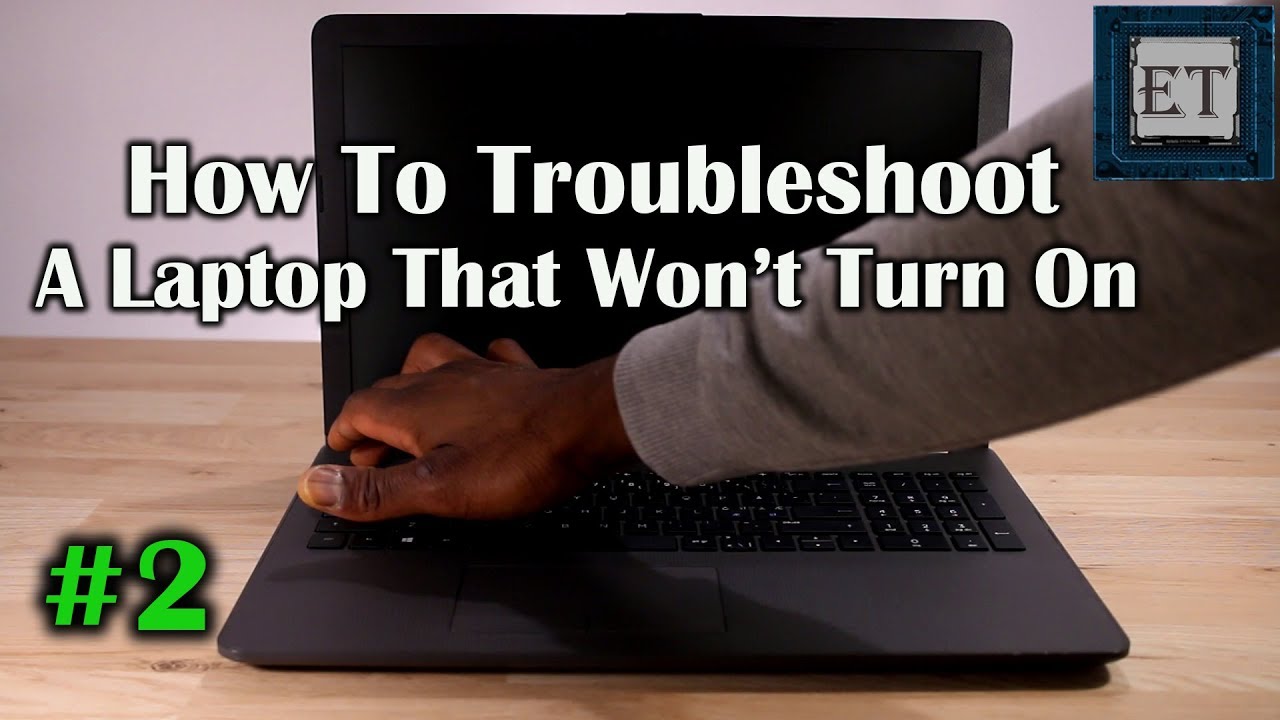
- Try a power cycle
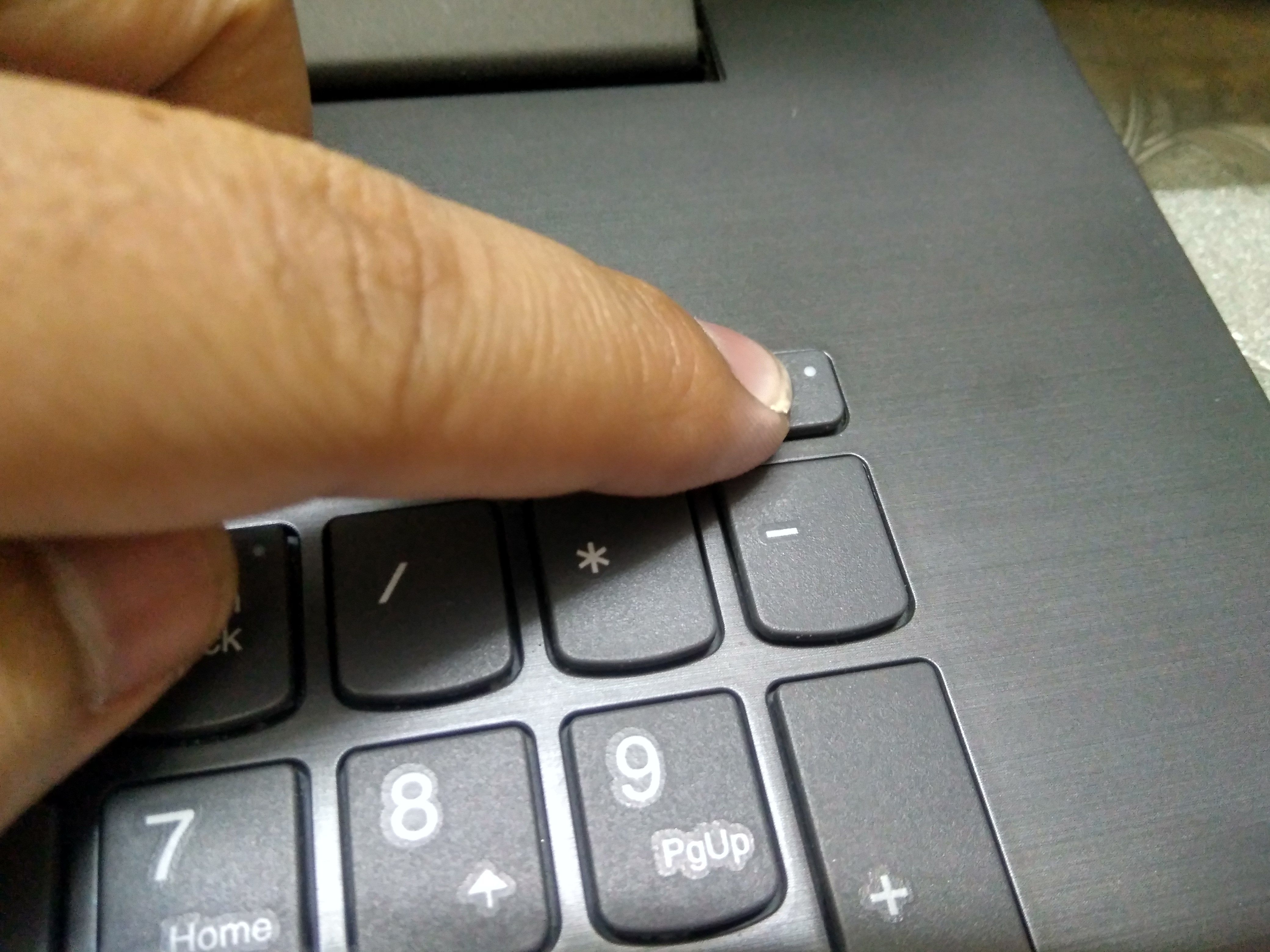
- Unplug charger. Remove battery if it's user-removable. Hold the power button 15 seconds. Reconnect power and try to start.
- This can clear a stuck power state or residual charge.
- Watch lights, fans, and sounds
- Note any LEDs, fan spin, or beeps. A fan spin or LED but no screen suggests display or GPU issues. No lights at all points to power or board problems.
- Re-seat RAM and storage (if accessible)
- Remove and reinsert memory sticks and SSD/HDD. Dust or a loose module can stop boot.
- Test with minimal hardware
- Boot with only one RAM stick, no external devices, and no secondary drives. This isolates faulty components.
- Try an external display
- If the laptop appears to start but shows a black screen, connect an external monitor to check if the display is the issue.
Each step helps answer why my laptop is not starting after pressing power button. Keep notes on what happens at each test.

Hardware fixes you can try safely at home
If you are comfortable opening your laptop, these fixes often work. Always power down, unplug, and ground yourself first.
-
Replace or test the charger
-
Swap in a compatible charger or test volshoukhintech01-20e with a multimeter. A charger that shows wrong volshoukhintech01-20e needs replacing.
-
Replace the battery
-
A swollen or dead battery can block startup. Remove the battery and boot from AC power only to test.
-
Re-seat or replace RAM
-
Faulty RAM often causes no-boot. Try different slots and modules.
-
Reconnect loose cables
-
Reseat the DC jack cable, display cable, and power button connector.
-
Clean and reseat SSD/HDD
-
A loose drive can cause boot failure. Reseat or test in another system.
-
Inspect for physical damage or burn marks
-
Smell or look for burnt components on the board. This suggests serious motherboard issues needing pro repair.
I once fixed a laptop that would not start after pressing the power button by simply replacing a cracked DC jack. It cost under $40 and took 30 minutes. Small parts often make a big difference.

Software and firmware steps to try
Software problems can also make a laptop seem dead. Try these safe steps.
-
Perform a BIOS/UEFI reset
-
Remove all power, then press the BIOS reset pinhole or remove the CMOS battery for a minute if accessible. This restores defaults.
-
Boot to recovery or safe mode
-
If you get to a logo screen, try interrupting startup to access recovery tools. This can fix boot files or corrupt drivers.
-
Create a bootable USB recovery drive
-
Use another computer to make a USB installer or recovery disk. Booting from it can repair Windows or test hardware.
-
Update firmware if possible
-
If you can access BIOS or OS, update firmware and drivers to fix known issues.
When you’re troubleshooting why my laptop is not starting after pressing power button, software fixes are often overlooked. They help especially when the laptop shows lights but never reaches the OS.
When to seek professional repair
Some problems need a technician or a replacement part from the manufacturer. Consider professional help when:
- There is no sign of power after charger and battery tests.
- You find burnt components or a short on the motherboard.
- The DC jack or power circuitry is damaged.
- The laptop is under warranty — opening it may void coverage.
- Complex board-level work is required, like replacing chips or traces.
A repair shop can run detailed tests with bench power supplies and diagnostic tools. They can also source original parts. Be sure to get a quote before repair.
Preventive tips to avoid future no-start problems
A few habits reduce the chance of asking why my laptop is not starting after pressing power button again.
- Use a surge protector. Sudden spikes can damage the power system.
- Keep vents clean and avoid blocking airflow. Heat can harm components.
- Replace old chargers with OEM or certified units. Cheap chargers risk damage.
- Back up data often. If the laptop won’t start, your files stay safe.
- Handle the laptop gently. Drops can loosen connectors and damage boards.
From my experience, routine cleaning and using the correct charger prevent most sudden failures. Small care goes a long way.

Related concepts and quick definitions
- Power cycle: Forcing the device to discharge and restart by removing power and holding the button.
- POST: Power-On Self-Test. Early hardware checks done by the system. Beep codes often indicate POST errors.
- CMOS battery: Small battery that keeps BIOS settings. If dead, you may see boot errors.
- DC jack: Where you plug the charger. A damaged jack stops external power.
- Motherboard failure: A broad term for board-level issues like blown capacitors or damaged traces.
Understanding these terms helps you follow repair advice and communicate with technicians.

Personal lessons and mistakes to avoid
I once tried to repair a laptop without disconnecting the main battery. I shorted a connector and made the motherboard worse. From that day I follow a strict safety checklist.
- Always remove external power before opening a device.
- Work on a non-static surface and ground yourself.
- Document which screws go where to avoid reassembly errors.
- Try simple fixes first — the cheaper option often works.
These small habits save time and money. They also protect your device and data.

Frequently Asked Questions of why my laptop is not starting after pressing power button
Why does my laptop show no lights after pressing the power button?
If no lights appear, the issue is usually with the charger, battery, or internal power circuit. Test the adapter and try a power cycle to rule out simple power faults.
The fan spins but the screen is black. What should I do?
This often means a display, GPU, or backlight issue. Try an external monitor and look for BIOS or boot activity to narrow it down.
My laptop beeps repeatedly when I press power. What does that mean?
Beep codes are POST signals telling you a hardware error, often with RAM or GPU. Count the beeps and match them to your model’s beep code list for specifics.
Can a dead CMOS battery stop my laptop from starting?
A dead CMOS battery usually causes BIOS errors or clock resets, but it rarely stops all power. It can cause boot problems that are fixable by replacing the battery or resetting BIOS.
Is it safe to open my laptop to check RAM or storage?
Yes, if you follow safety steps: power off, unplug, ground yourself, and remove the main battery if possible. If the laptop is under warranty, opening it may void coverage.
Conclusion
You don’t have to panic when asking why my laptop is not starting after pressing power button. Start with the basics: check power and charger, perform a power cycle, and observe LEDs and sounds. If simple steps don’t work, move to reseating RAM and testing drives, and only then consider board-level fixes or professional repair. Stay calm, follow safe steps, and back up your data regularly. Try the steps here, and if you need more help, leave a comment or consult a certified technician.