Prioritize CPU, RAM, SSD, display, battery life, weight, build quality, and ports for your needs.
I have picked apart dozens of laptops over the past decade. I know what to look for in a laptop computer for work, school, travel, and creative work. This guide breaks down the key parts, trade-offs, and real tests I use when I choose a laptop. Read on to learn how to match specs to tasks and avoid common buying mistakes.

Key components to consider when choosing a laptop
Every laptop is a balance of parts. Know the main parts and how they affect your daily use. Focus first on the CPU, RAM, storage type, display, battery, and weight. These choices determine speed, multitask ability, and comfort.
Performance: CPU, RAM, and GPU
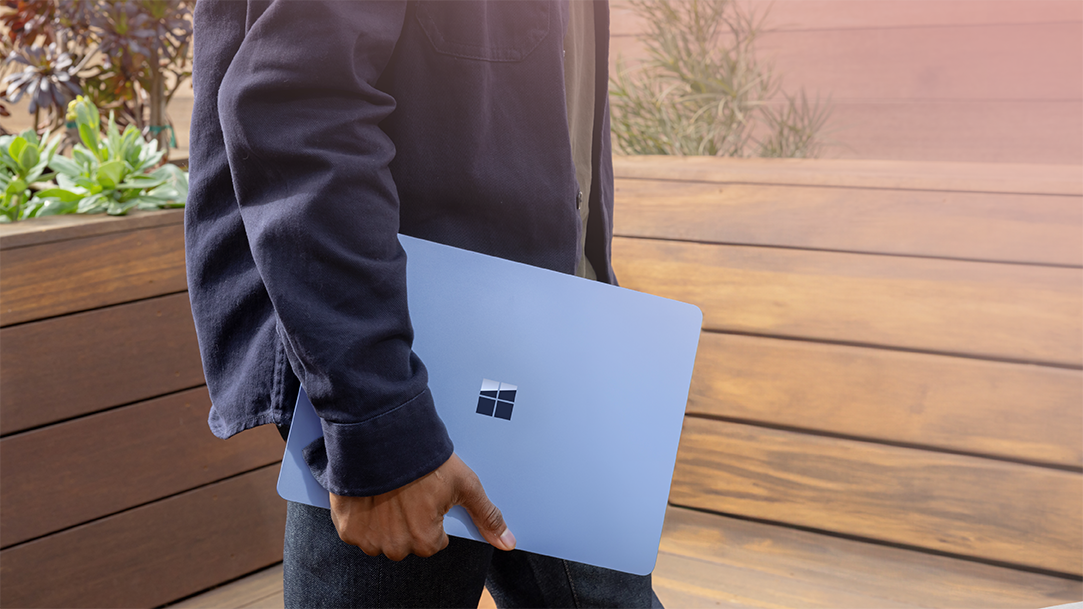
Performance drives smooth work and play. For general use, look for a recent dual-core or quad-core CPU. For heavy tasks, choose a 6+ core CPU or a chip labeled for performance.
GPU matters if you edit video or play games. Integrated graphics are fine for web work and light photo edits. Dedicated GPUs power gaming, 3D design, and some video tasks.
Aim for at least 8 GB RAM for light use and 16 GB or more for creative work or multitasking. RAM affects how many apps run well at once.
what to look for in a laptop computer always includes matching CPU, RAM, and GPU to your work. I once chose a thin laptop with low RAM and later spent months facing slowdowns. That taught me to budget RAM first.

Storage: SSD versus HDD and capacity
Storage affects speed and capacity. SSDs boot fast and open apps quickly. HDDs offer more space for less money but are slower and bulkier. For most people, choose a laptop with an SSD. Aim for 256 GB as a start and 512 GB or 1 TB for heavy storage needs.
Think about future needs. Models with replaceable drives let you upgrade later. If you store many photos or videos, plan for external drives or cloud storage. Choosing the right storage is a core part of what to look for in a laptop computer.

Display: size, resolution, and color
The display shapes your comfort and work quality. Decide if you want a compact 13-inch for travel or a 15–17 inch for more screen space. Higher resolution gives sharper text and images. For most, 1920 x 1080 (Full HD) is a good balance. Creators may need 4K and wider color coverage.
Also check brightness and viewing angles. Matte screens reduce glare outside. Touch screens add flexibility but may drain battery faster. I prefer a matte FHD screen for long writing sessions. Knowing what to look for in a laptop computer includes the display fit for your tasks.

Battery life and thermal performance
Battery life decides how often you must plug in. Look for 8+ hours if you need all-day use. Real-world battery life varies with screen brightness and apps. Check reviews that measure video playback and web browsing times.
Thermals matter too. Good cooling keeps performance steady. Thin laptops can run hot and throttle under load. If you do heavy work, pick a model with tested cooling or a slightly thicker build for better airflow. Battery life and cooling are central when you think about what to look for in a laptop computer.
Portability and build quality
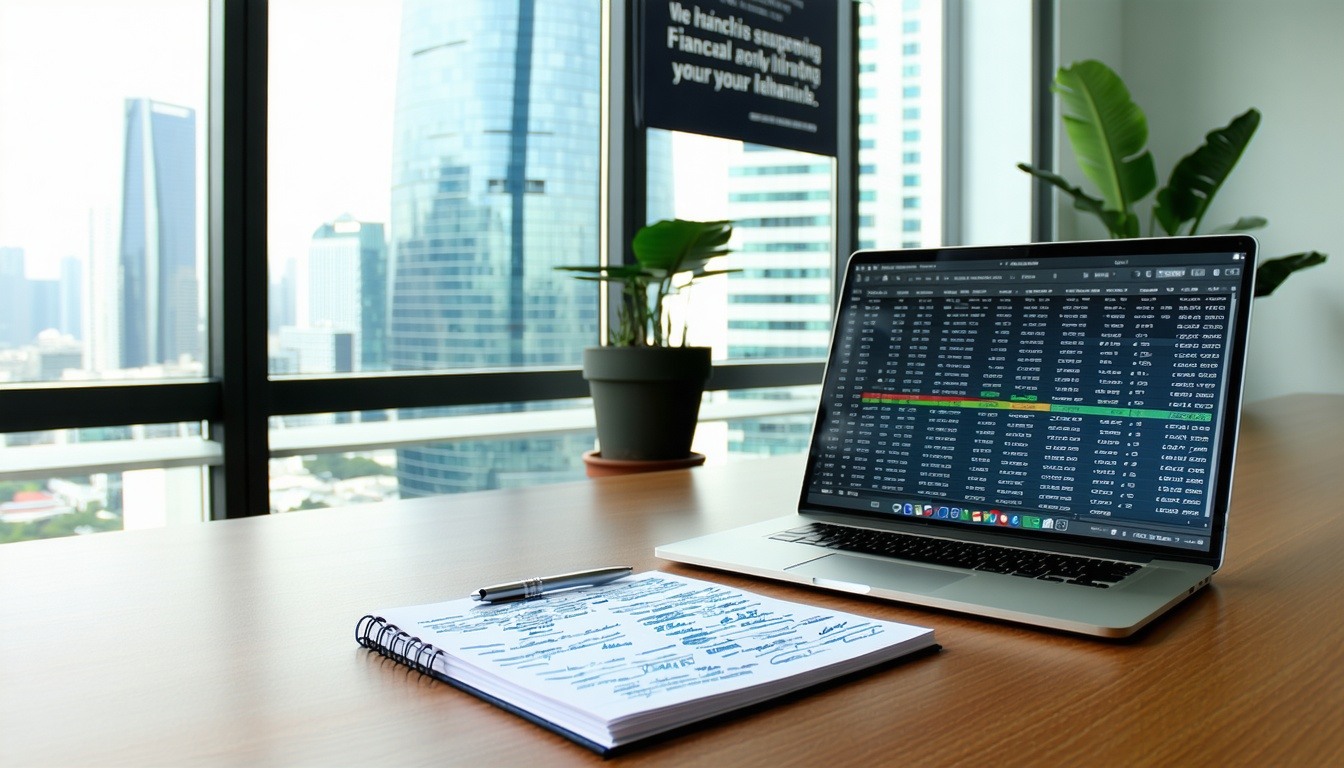
Portability ties to weight and size. Ultrabooks aim for thin and light. A light laptop is better for travel. A sturdier build lasts longer. Metal shells often feel more solid than plastic.
Think about hinge strength and keyboard deck flex. These small details affect daily life. In my work, a tough hinge saved a laptop after a fall. Prioritize what you’ll carry every day.

I/O and connectivity: ports, wireless, and expandability
Check the ports you need. Common ports include USB-A, USB-C, HDMI, and an SD card slot. Many new laptops use USB-C only. If you use older accessories, plan for adapters.
Look for Wi-Fi 6 or better for faster, stable wireless. Bluetooth 5 helps with low-latency audio and mice. Expandability options, like extra M.2 slots or RAM bays, are good to have. Port choices are a key piece of what to look for in a laptop computer.
Input devices: keyboard, touchpad, and webcam
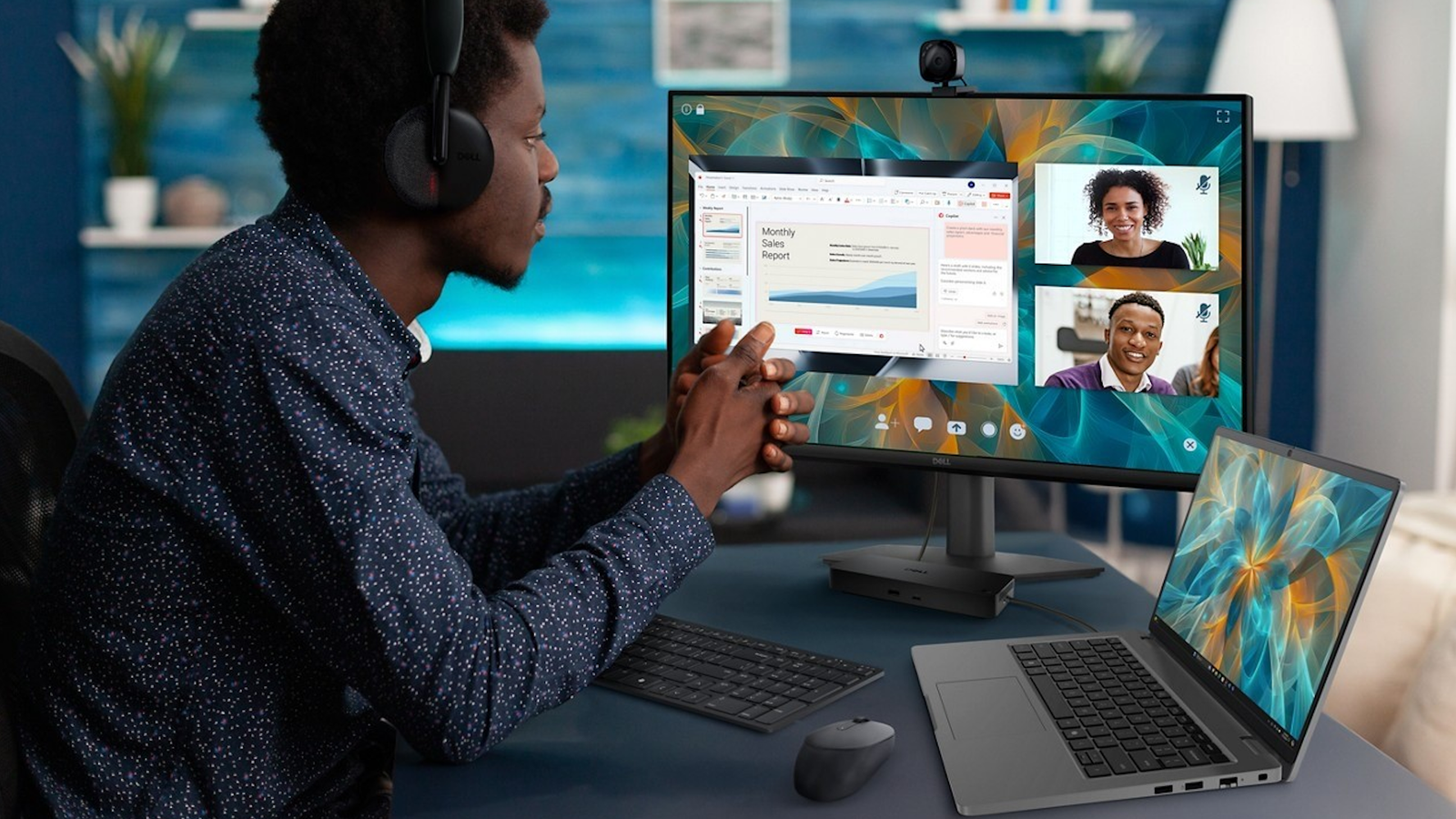
A good keyboard speeds typing and reduces fatigue. Test key travel and layout when you can. A responsive touchpad with gesture support improves navigation.
Webcam and mic quality matter for calls. Many laptop webcams are basic. If video calls are critical, choose models with a better camera or plan to buy an external webcam. These small features affect day-to-day comfort and are part of what to look for in a laptop computer.

Software, warranty, and support
Consider the operating system and preinstalled software. A clean OS with minimal bloat saves space and time. Check the warranty and support options. Longer and more inclusive warranties add peace of mind.
If you rely on your laptop for income, invest in extended support. Good service can be worth the price. Software updates and driver support also affect long-term reliability. These are often overlooked when people think about what to look for in a laptop computer.
Budget and use-case recommendations
Match your budget to your needs. For basic web and streaming, a $400–$700 laptop is fine. For students and creators, $700–$1,200 hits a sweet spot. For gaming and pro content work, expect $1,200+.
List your main tasks before you shop. Prioritize CPU, RAM, and storage for speed. Invest in display and GPU if your work needs them. That planning will make buying easier and smarter.
How to compare specs and real-world reviews
Specs tell a story, but real tests reveal performance. Look for benchmark scores, battery tests, and thermal reviews. Read user feedback for long-term issues like hinge or battery degradation.
If possible, try the laptop in person. Short hands-on time shows keyboard feel and screen quality. Comparing specs and reviews is a practical step in knowing what to look for in a laptop computer.
Practical tips and common mistakes to avoid
Make a short checklist before you buy. Include CPU class, RAM, SSD, screen type, battery life, weight, and ports.
Avoid buying a model that meets specs but has poor thermals or a bad screen. Don’t sacrifice RAM or SSD to save a small amount of money. I once upgraded RAM after buying a budget laptop. That cost more than choosing a better model upfront. Learn from that and plan ahead.
Frequently Asked Questions of what to look for in a laptop computer
What processor should I choose for everyday use?
Choose a recent dual-core or quad-core low-power CPU for everyday tasks. Look for modern generations for better battery life and speed.
How much RAM is enough for most people?
Aim for at least 8 GB for light use and 16 GB for multitasking, creative apps, or future-proofing. More RAM helps when you run many apps at once.
Should I pick SSD or HDD?
Pick an SSD for speed and reliability. Use an HDD only if you need lots of low-cost storage and can accept slower performance.
Does screen resolution matter?
Yes. Full HD is best for most users. Choose 4K only if you do high-end photo or video work and value extra detail.
How long should I expect the battery to last?
Look for 8+ hours in reviews for all-day use. Real battery life varies with tasks and screen brightness.
Is a gaming laptop good for creative work?
Yes, gaming laptops often have strong GPUs and CPUs which help with video editing and 3D work. They can be heavier and louder than thin work laptops.
Conclusion
Choosing what to look for in a laptop computer comes down to matching parts to your needs. Focus on CPU, RAM, SSD, display, battery, and ports first. Prioritize real-world reviews and hands-on checks. Take action: write a short list of your top tasks, set a budget, and use this guide to compare three models before you buy. Share your shortlist in the comments or subscribe for buying checklists and test notes.